
Standard Deduction Increase
Standard deduction now permanent: $15,750 (single), $23,625 (HOH), $31,500 (MFJ). These amounts adjust for inflation. Personal exemptions for yourself, spouse, and dependents are eliminated.
Continue reading →Final estimated tax payment for 2026
January 15, 2027
In the past the IRS gave an expected day; now it says only about three weeks. Minnesota should be more prompt.
A short list here; the full set of changes is one click away.
Standard deduction now permanent: $15,750 (single), $23,625 (HOH), $31,500 (MFJ). These amounts adjust for inflation. Personal exemptions for yourself, spouse, and dependents are eliminated.
Continue reading →Child tax credit rises to $2,200 per child under 17, adjusted for inflation. Refundable portion now $1,700. Phase-out starts at $200K (single) / $400K (MFJ).
Continue reading →Seniors 65+ get an extra $6,000 deduction (2025–2028). Couples where both are 65+ can claim $12,000. Phase-out above $75K.
Continue reading →Beginning in 2026, deduct up to $1,000 in charitable donations even if you don't itemize — a permanent change. And once required IRA distributions begin at 73, giving directly from the IRA keeps that money out of your adjusted gross income entirely.
Continue reading →Beginning in 2026, the Act treats mortgage insurance premiums (PMI) as qualified residence interest.
Continue reading →Gambling losses capped at 90% (was 100%). Only deductible against winnings.
Continue reading →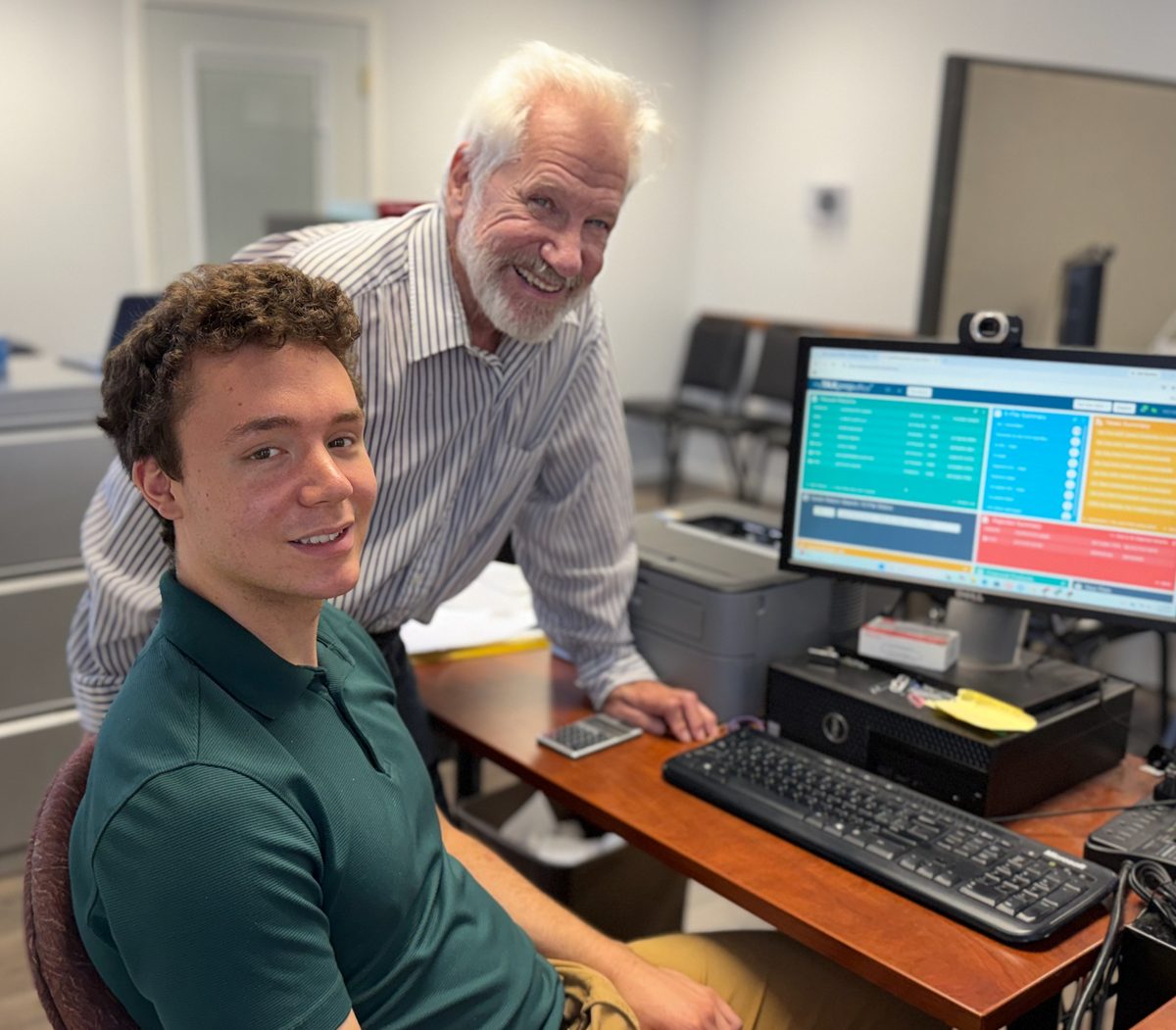
Deziel's is a family-run office, preparing returns since 1991. We specialize in self-employed and small-business returns — artists, writers, musicians, performers and production workers — alongside returns for many other independent businesses and for families and retirees across the Twin Cities.
Bring what applies to you. If you're not sure whether something matters, bring it — it is faster to set a paper aside than to go back for it.
All charges include Free Electronic Filing of Minnesota and Federal Tax Returns for the fastest possible refund without the added charges of a Refund Anticipation Loan.
| Short Forms — Federal and MN | $69 |
|---|---|
| Minnesota Rent Credit — first CRP | $23 |
| Each additional CRP | $6 |
| Property Tax Refund (M-1PR), starting at | $50 |
| Additional W-2, 1099-R, W-2G or Social Security | $8 each |
| Federal with Itemized Deductions (+$2 per entry) | +$22 |
|---|---|
| Minnesota with Itemized Deductions | +$12 |
| Child Care Credit — Federal and MN | $28 |
|---|---|
| (New) MN Child & Working Family Credits | $24 |
| Minnesota K-12 Education Credit | $24 |
| Earned Income Credit | $55 |
|---|---|
| Federal Education Credit ($20/student) | $10+ |
| Child Tax Credit | $19 |
| Checklist Form 8867 (required once) | $24 |
| Date | Deadline |
|---|---|
| January 15, 2027 | Final estimated tax payment for 2026 |
| February 1, 2027 | Deadline for W-2s and 1099s Jan 31 falls on a Sunday |
| February 16, 2027 | Deadline for brokerage statements to be sent Feb 15 is Presidents' Day |
| March 15, 2027 | Deadline for S-Corp and partnership returns |
| April 15, 2027 | Individual tax return deadline & 1st Quarter Estimated Tax |
| June 15, 2027 | 2nd Quarter Estimated Tax Payments |
The IRS is intensifying compliance pressure on businesses and property owners. Learn critical filing deadlines, penalties, and reporting requirements for 1099s and 1099-MISC forms, plus essential mailing information for Minnesota filers.
If you paid wages to employees, you must file W-2s by January 31st. Discover critical filing deadlines, proper mailing procedures, e-filing options, and Minnesota-specific requirements to ensure compliance and avoid penalties.
Deziel's has been serving taxpayers in the Twin Cities area of Minneapolis and St. Paul since 1991. In addition to individual returns, we specialize in returns for people who work for themselves: small-business owners, independent contractors and consultants on any kind of contract work, retirees consulting for a former employer, artists, writers, musicians, performers and production workers, Uber, Lyft and delivery drivers, and many other independent businesses.
“Honest people who did a thorough job with my taxes. An excellent small business. Mike was personable & friendly. He walked me through each form and answered all my questions. Highly recommend Deziel's!”
“I highly recommend coming here to get your taxes done. Everyone is extremely nice, helpful, and they are very thorough when doing your taxes. Also, super affordable!”
“Great service and reasonable fees. I trust Deziel's completely. I love getting refunds without having to wade through complex investment forms.”